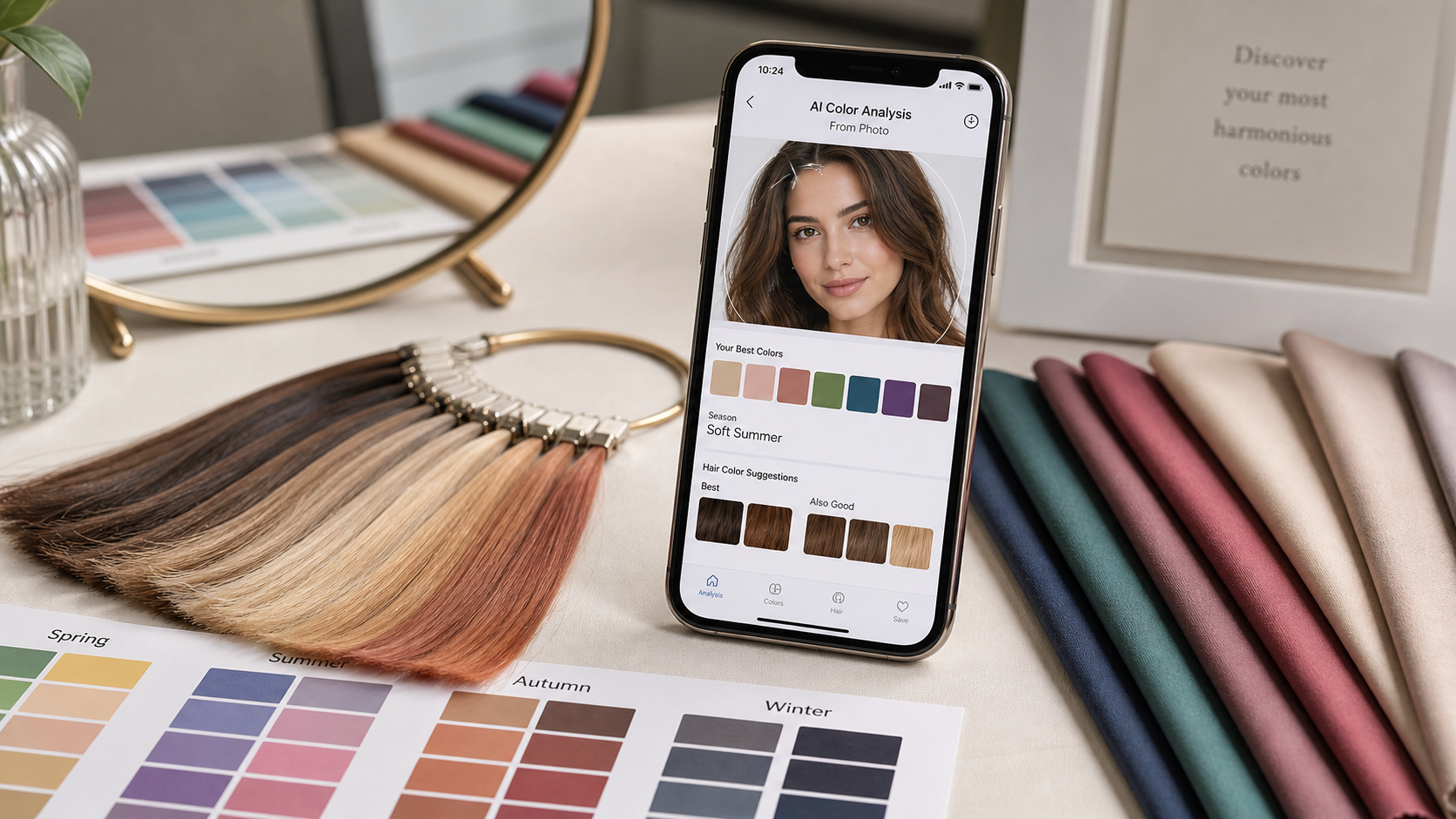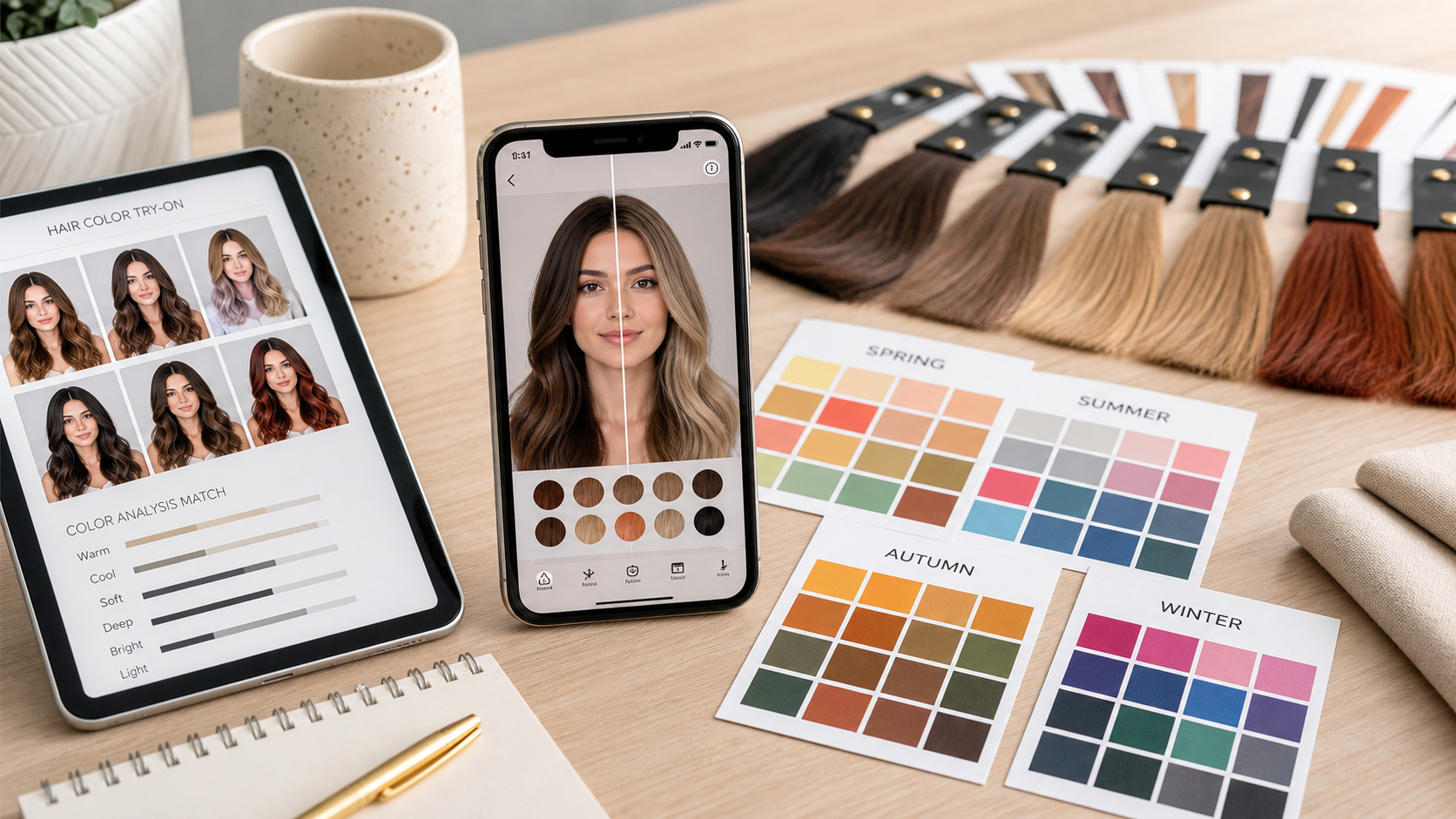
Hair color try-on tools and color analysis answer different questions. A try-on shows what a shade might look like on your photo. Color analysis explains why a shade may or may not harmonize with your face.
Used together, they reduce guesswork. Used alone, each can miss something important.
What try-on tools do well
A hair color try-on is useful for scale. You can see whether dark hair feels too heavy, blonde feels too light, or copper feels too bold before touching dye.
It also helps you notice emotional preference. Sometimes a shade is flattering but not your style, and that matters.
Where try-on tools can mislead
Virtual color depends on the photo, lighting, cutout quality, and screen. It may not show how the shade affects redness, shadows, or eye clarity in real life.
It can also make impossible transformations look simple. Going from dyed black to clean beige blonde is not a one-click salon process.
What color analysis adds
Color analysis gives the filter underneath the preview. Use Color Analysis to decide whether the shade family should be warm, cool, soft, bright, light, or deep before you test exact colors.
That keeps you from trying twenty random shades and choosing the most dramatic screenshot.
Use them in the right order
Start with color analysis to choose the lane. Then use try-on to compare versions inside that lane: cool brown versus cool espresso, honey blonde versus golden dark blonde, muted copper versus auburn brown.
This is faster and more realistic than testing every color from platinum to burgundy.
Make the final decision offline
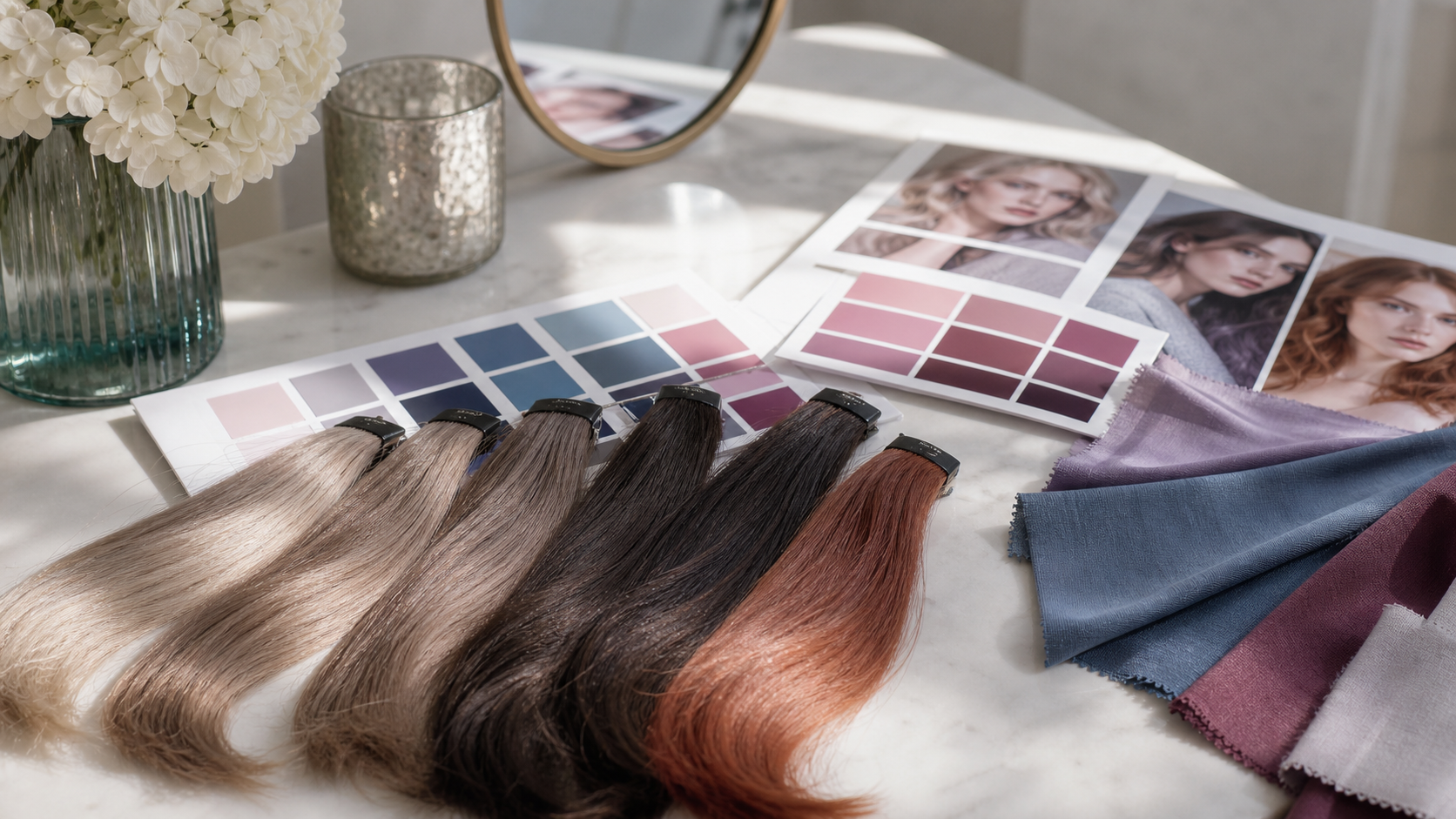
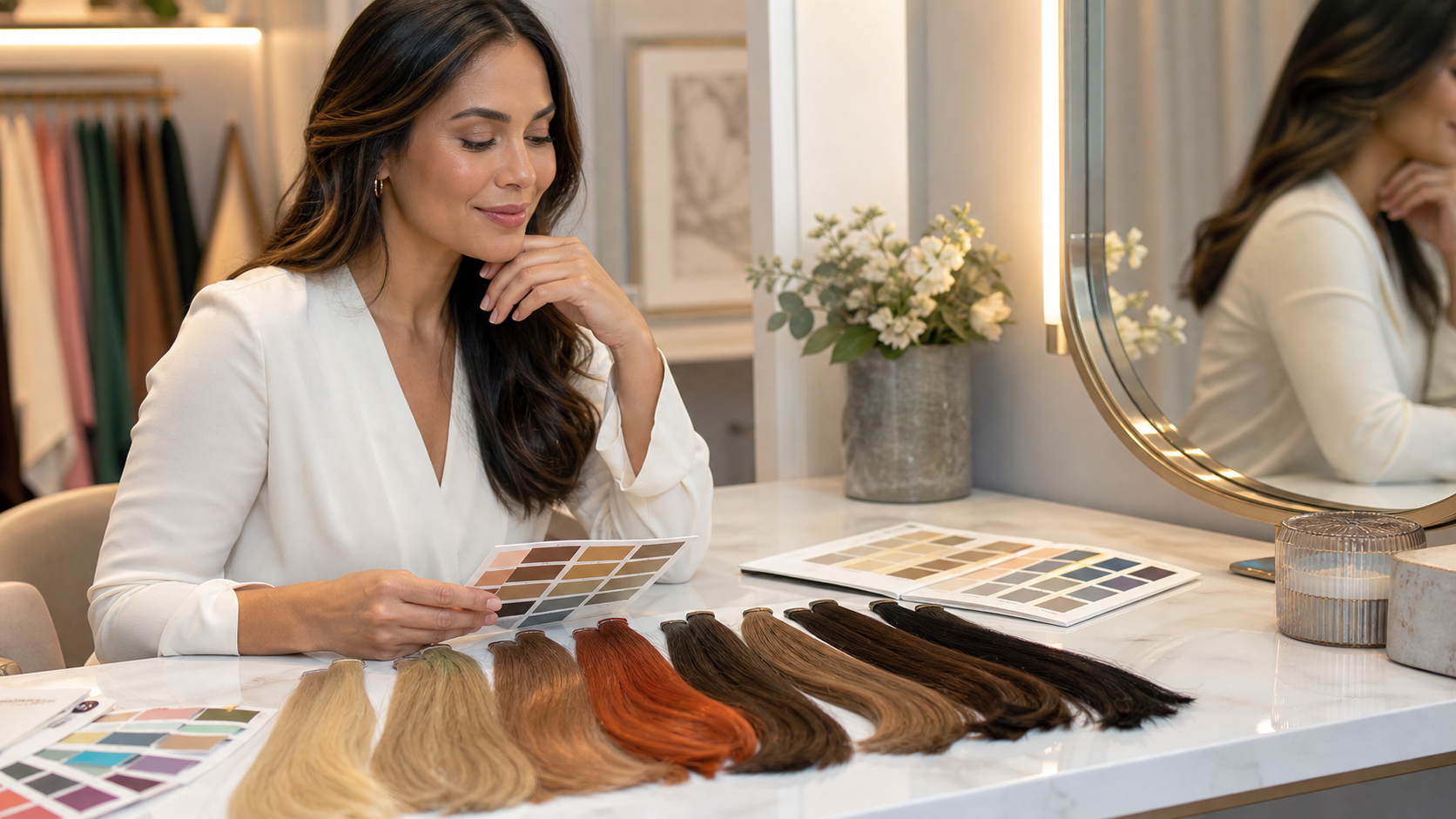
Before permanent dye, check swatches in daylight, consider maintenance, and think about your wardrobe. The winning digital preview should still make sense with your real palette.
The best choice is flattering, technically possible, and easy enough to live with.