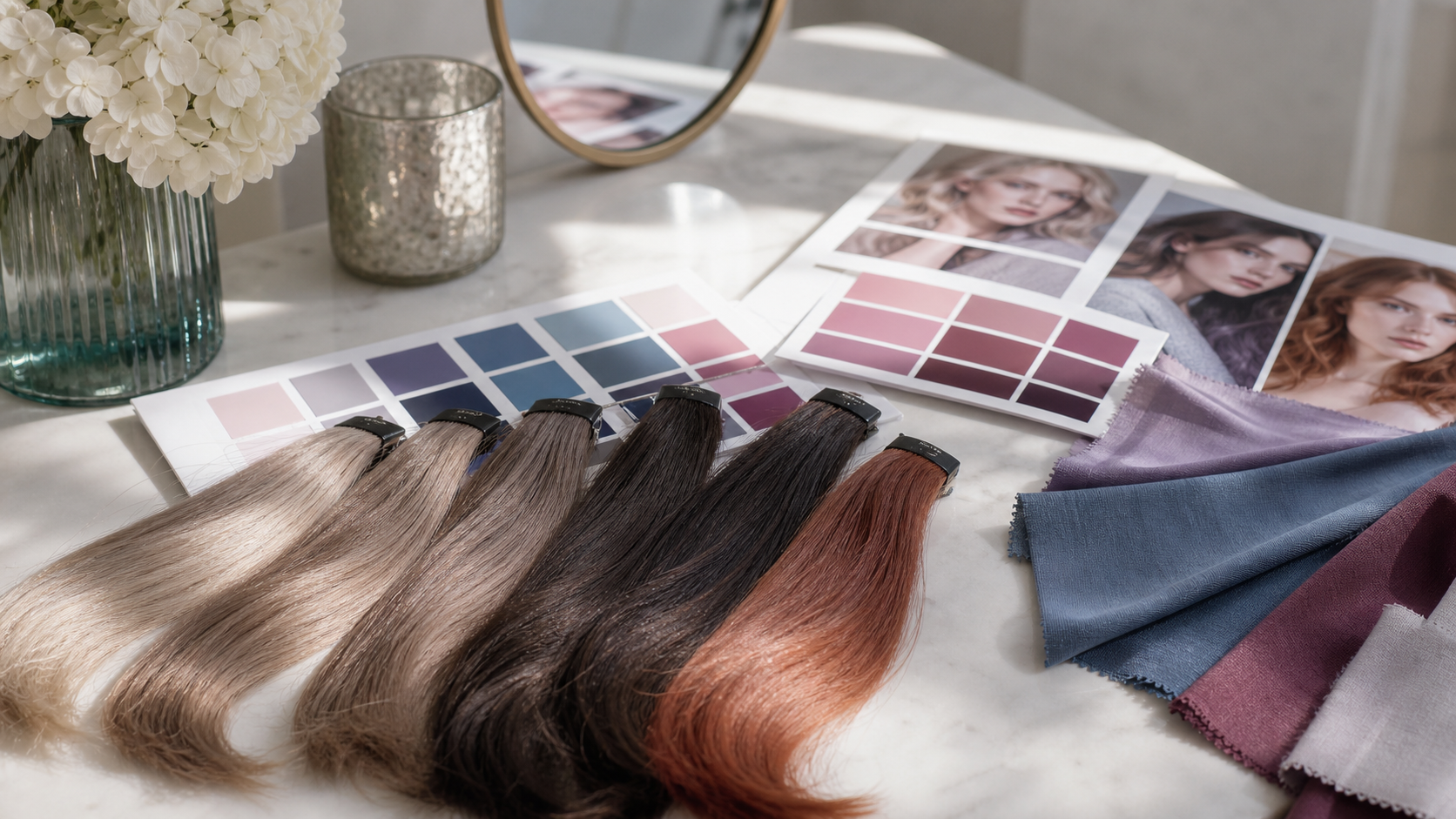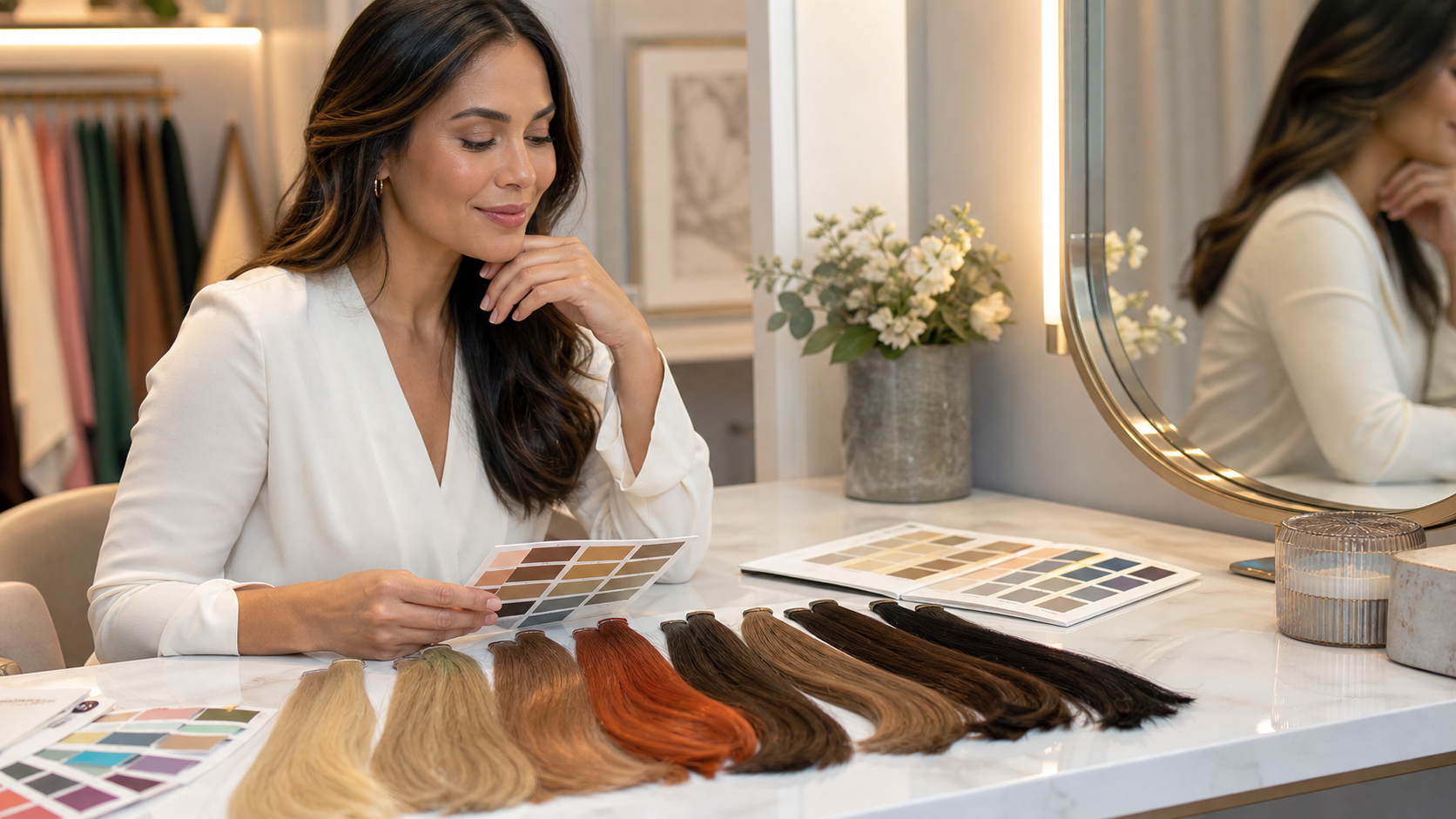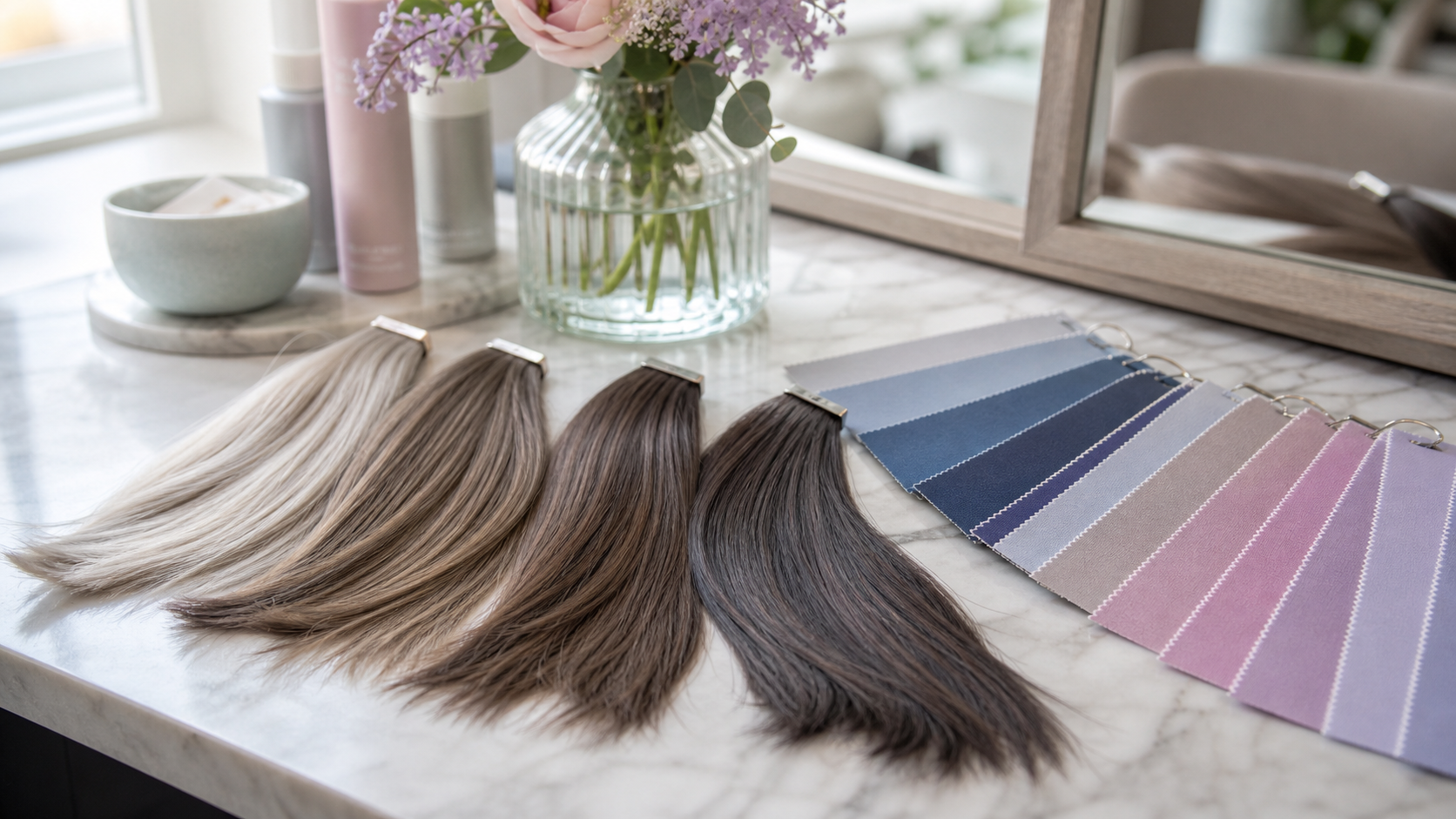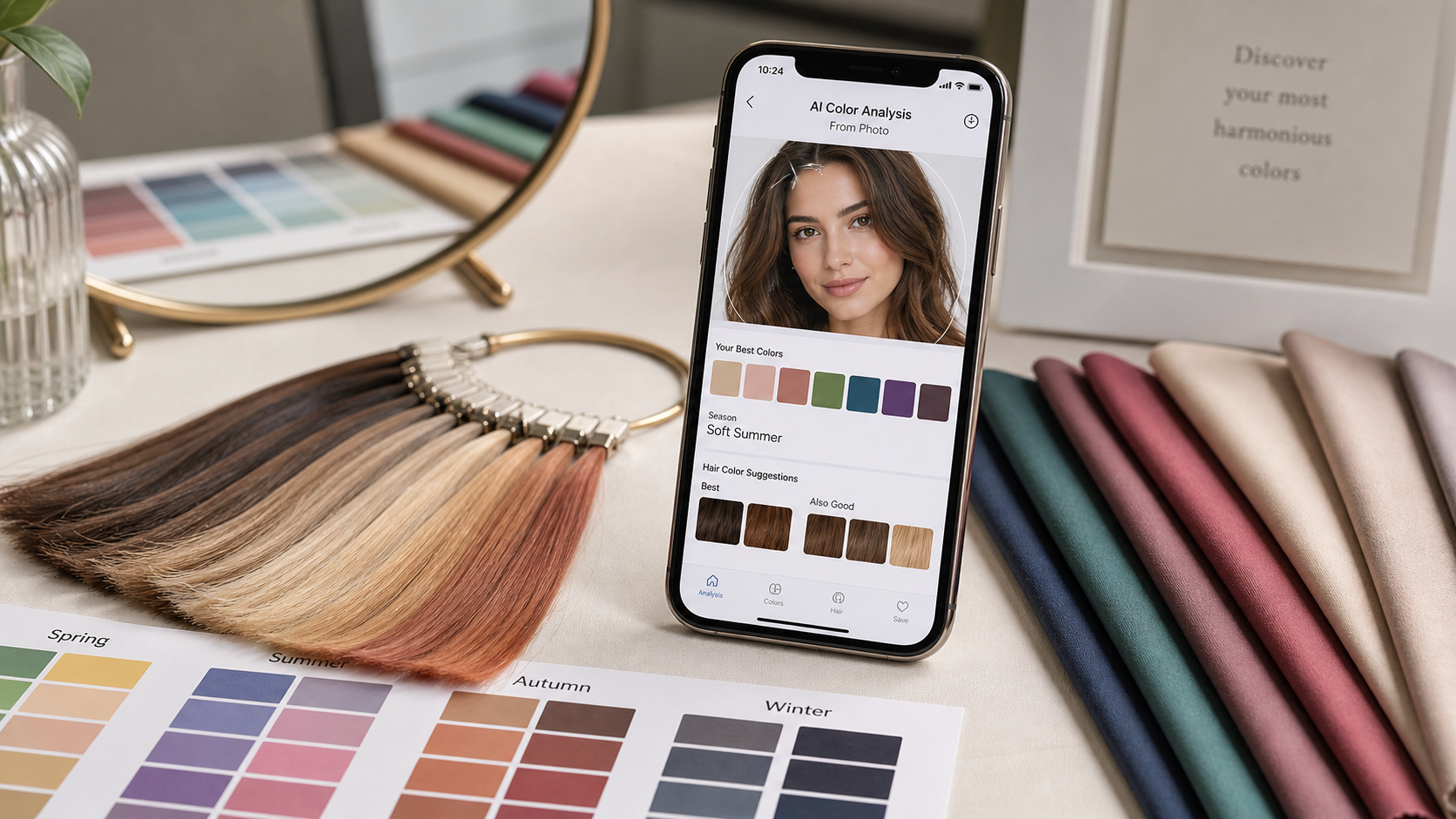
AI color analysis from a photo can be useful for hair color because it quickly compares undertone, contrast, and palette direction. It is especially helpful when you feel lost between warm, cool, soft, and deep shades.
The result is only as good as the photo and the way you use it. Treat it as a decision tool, not a magic answer.
Start with a clean photo
Use indirect daylight, a plain background, and minimal makeup. Avoid colored light, heavy filters, strong self-tanner, and bright clothing reflecting onto the face.
Hair pulled back can help the tool read skin and eyes without being biased by current dye.
Translate the result into hair direction
Run the photo through Color Analysis, then turn the palette into hair color language. Soft Summer may suggest mushroom brown; Warm Spring may suggest honey blonde; Deep Winter may suggest espresso or blue-black.
Do not copy every palette color into hair. Clothing can be brighter than hair and still work.
Check if the result matches real life
If the AI says cool but you always look better in warm ivory than pure white, investigate. If it says Spring but black hair looks natural and clear on you, check contrast again.
The best result should explain what you already notice in mirrors and photos.
Use try-ons for shade families
After the palette direction, try virtual shades or temporary glosses. Compare one warm, one cool, one neutral, one lighter, and one deeper option.
This makes the AI result practical instead of abstract.
Know where AI stops
AI can suggest direction, but it cannot see your full dye history, gray percentage, hair condition, or salon formula needs.
Use it to choose the family, then use a colorist or careful product instructions for the chemistry.